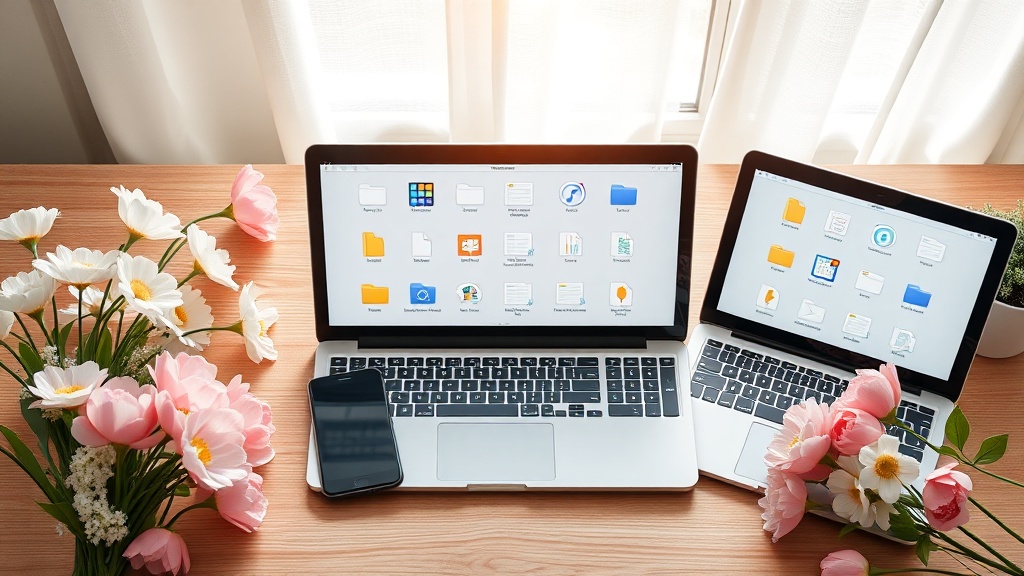
Spring Cleaning Your Digital Life: A Step‑by‑Step Guide to Declutter Devices

Feeling buried under a mountain of photos, endless email newsletters, and a chaotic phone storage? It’s spring—time to sweep away the digital dust and make room for fresh ideas.
Why does a digital spring cleaning matter?
Just like a tidy closet helps you find the perfect outfit faster, a clean digital space boosts focus, cuts stress, and even saves you money on extra cloud storage. Productivity expert Ravindra Kondekar notes that unwanted data can become a hidden expense, especially when you’re forced to upgrade storage plans.
What’s the first step to declutter my phone?
Start with storage audit apps like Google Files or iOS Settings > General > iPhone Storage. Identify apps that haven’t been used in the past 30 days and delete them. Then, tackle media:
- Move photos you want to keep to a cloud service (Google Photos offers free high‑quality backup).
- Delete duplicates with a tool like CleanApp.
- Set a weekly reminder to clear your Downloads folder.
How can I organize my computer files efficiently?
Apply the 4‑folder rule:
- Inbox — where everything lands.
- Action — items you need to work on now.
- Archive — finished projects you might need later.
- Reference — permanent docs you keep for the long term.
Rename files with clear, date‑based conventions (e.g., 2026-03-22_Taxes.pdf) and use tags for quick search. A quick Forbes Council guide recommends a monthly “file‑Friday” session to stay on top of it.
What’s the easiest way to unsubscribe from unwanted emails?
Open your inbox and use the built‑in unsubscribe filter (Gmail’s “Unsubscribe” button appears next to promotional messages). For stubborn senders, try Unroll.Me to batch‑remove or combine newsletters into a single daily digest.
How do I secure my digital space after the cleanup?
Once you’ve cleared the clutter, lock it down:
- Enable two‑factor authentication on all accounts.
- Use a password manager (e.g., LastPass) to replace weak, reused passwords.
- Set automatic backups for critical files—Google Drive, Dropbox, or a local external SSD.
Takeaway
Spend just 30 minutes this weekend to:
- Delete unused apps and old media on your phone.
- Implement the 4‑folder rule on your computer.
- Unsubscribe from at least five email lists.
- Activate two‑factor authentication.
You’ll notice a clearer mind, faster device performance, and maybe even a lower cloud‑storage bill. Ready to start?
Related Reading
- Daylight Saving Time 2026: Reset Your Sleep for Healthier Evenings — How better sleep fuels productivity.
- Spring Refresh: 6 Pillars of a Healthier Lifestyle — Holistic wellness tips for the season.
- 5 Spring Shoes Under $30 — Budget‑friendly style upgrades to match your fresh digital vibe.
Steps
- 1
Audit phone storage and delete unused apps
- 2
Organize computer files using the 4‑folder rule
- 3
Unsubscribe from unwanted email newsletters
- 4
Enable two‑factor authentication and set up backups